
Plugins
Tasklist uses the concept of plugins to add own functionality without having to extend or hack the Tasklist web application.
For further details about the concepts behind plugins, please read the Cockpit plugins section.
Plugin Points
Here you can see the various points at which you are able to add your own plugins.
Name: tasklist.navbar.action.
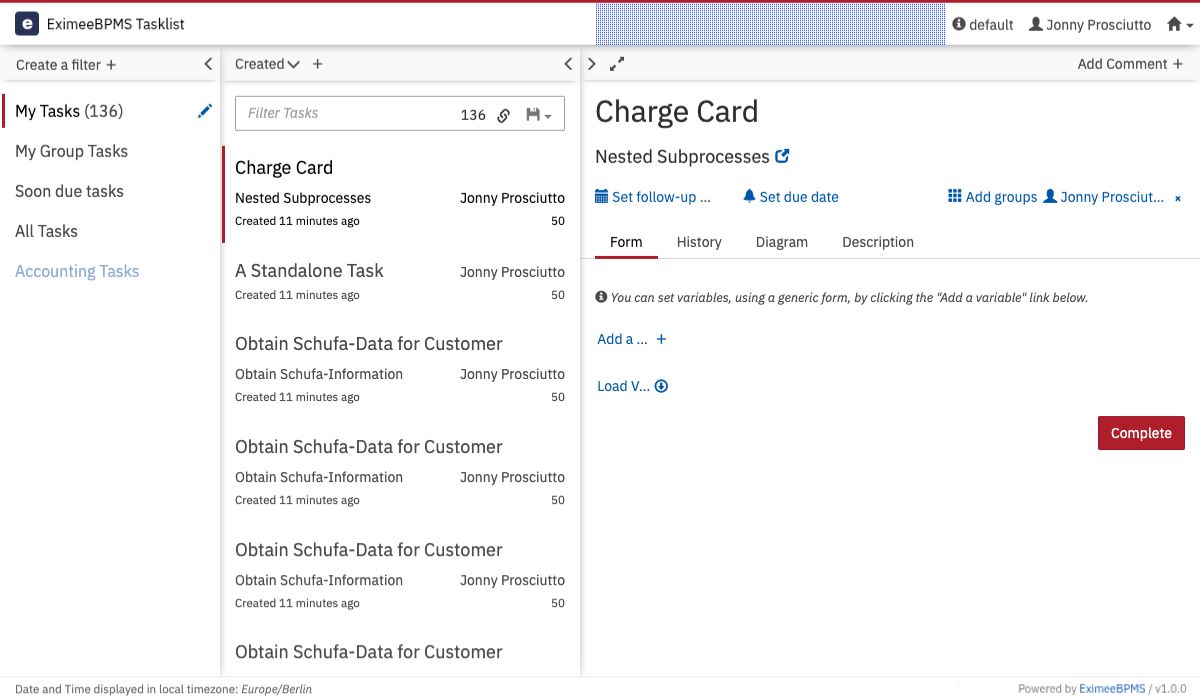
Name: tasklist.task.action.
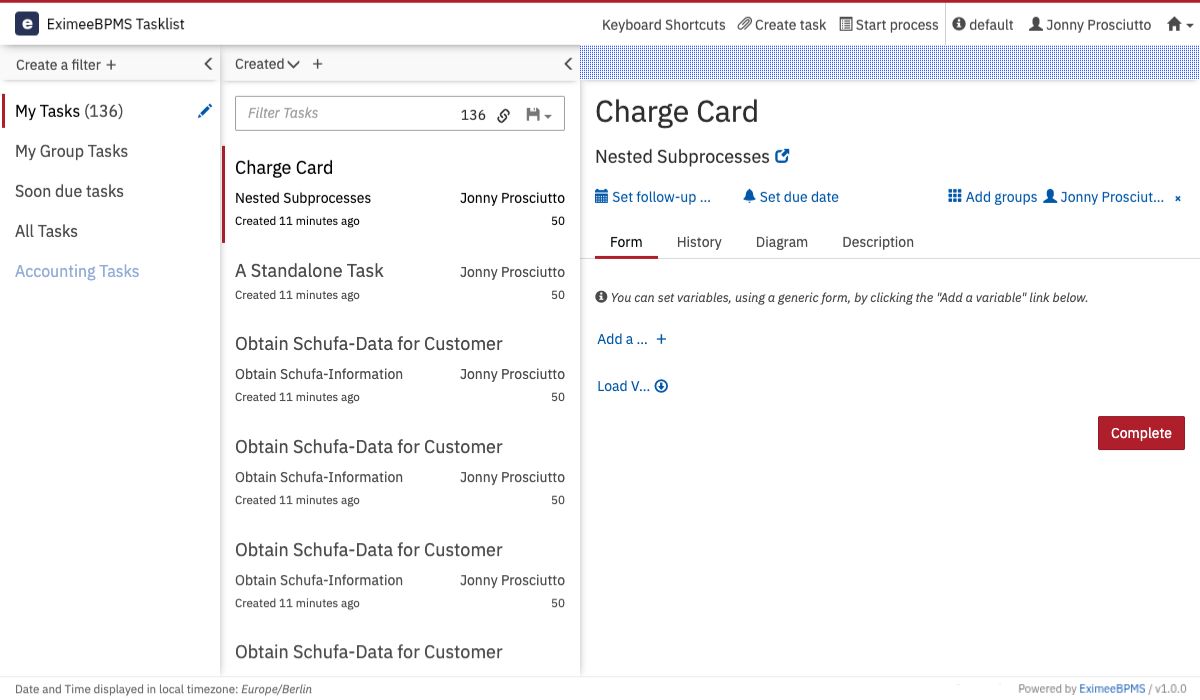
Name: tasklist.header.
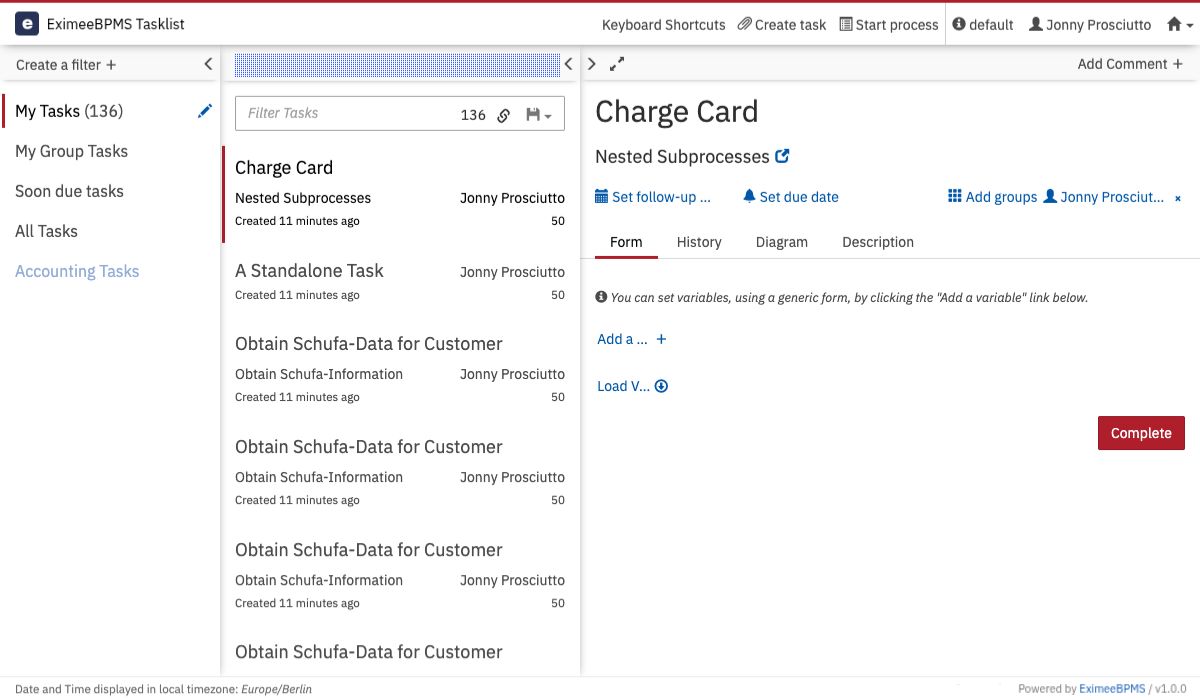
Name: tasklist.task.detail.
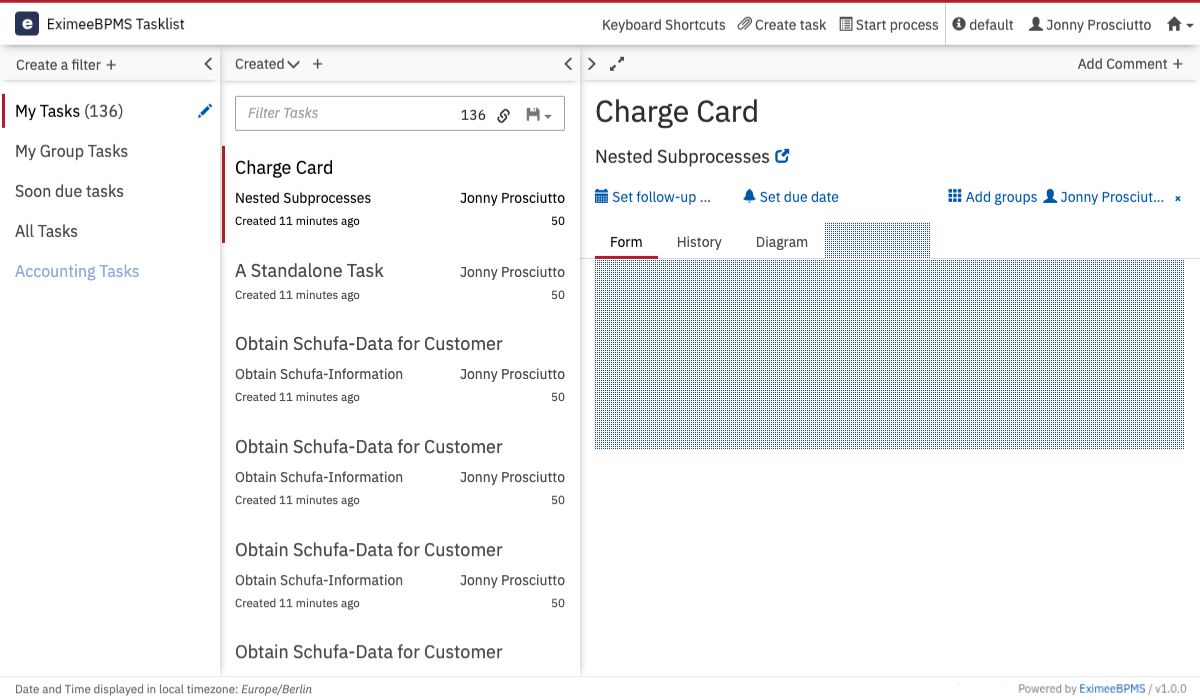
This plugin points properties contain the attribute label, which will be rendered in the navigation even when the plugin is not selected.
properties: {
  label: "My Plugin"
}
This additional data is passed into the render function:
taskId
Name: tasklist.list.
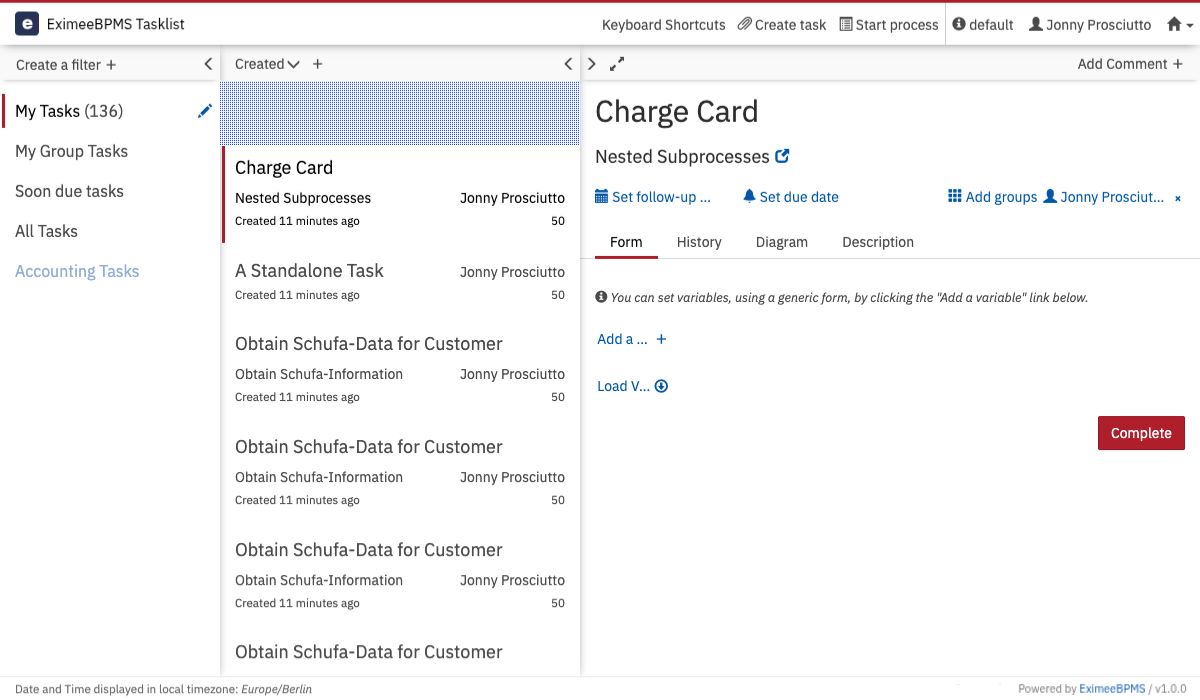
Name: tasklist.card.
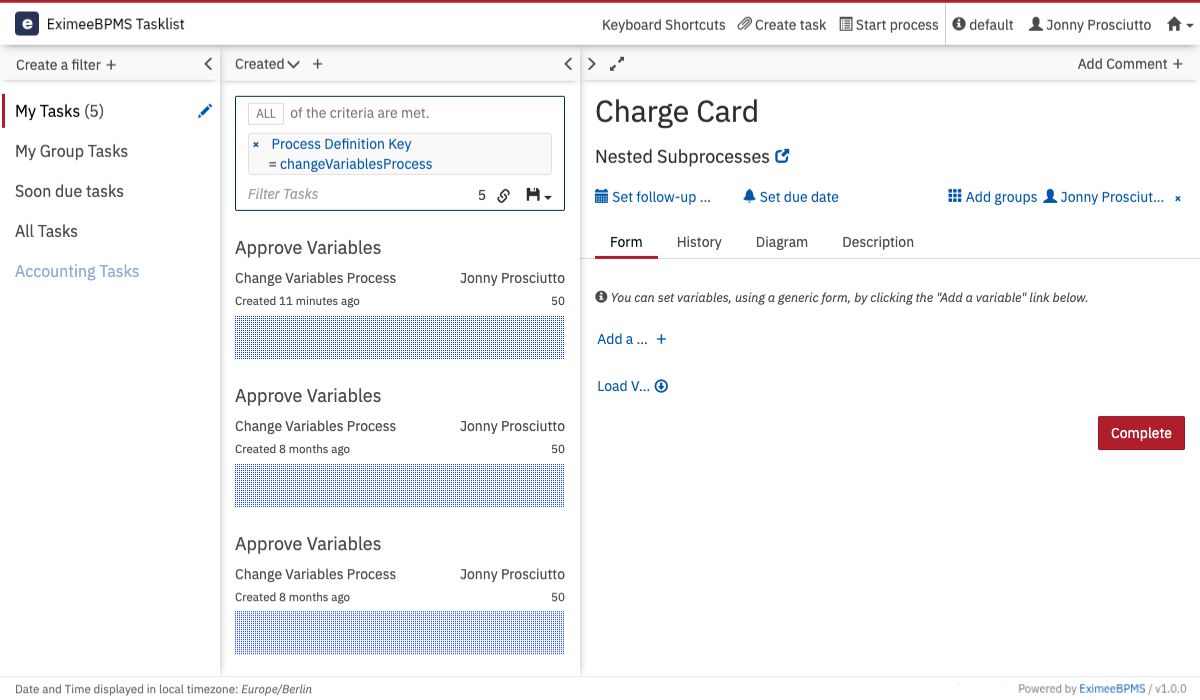
This additional data is passed into the render function:
taskId
Configure where to place your plugin as shown in the following example:
var ViewConfig = [ 'ViewsProvider', function(ViewsProvider) {
  ViewsProvider.registerDefaultView('tasklist.task.detail', {
    id: 'sub-tasks',
    priority: 20,
    label: 'Sub Tasks'
  });
}];
For more information on creating and configuring your own plugin, please have a look at the following examples: